Everyone's Phone Has the Photos. Which Sharing Method Actually Lets You Take Them Home
Collecting guest photos is the easy half. Here is how four common methods compare on the harder question of whether you can get the full-resolution originals back out.
- Written by
- Roy Castellano
- Published
- Filed under
- Corporate
- Length
- 1,122 words, about 5 minutes
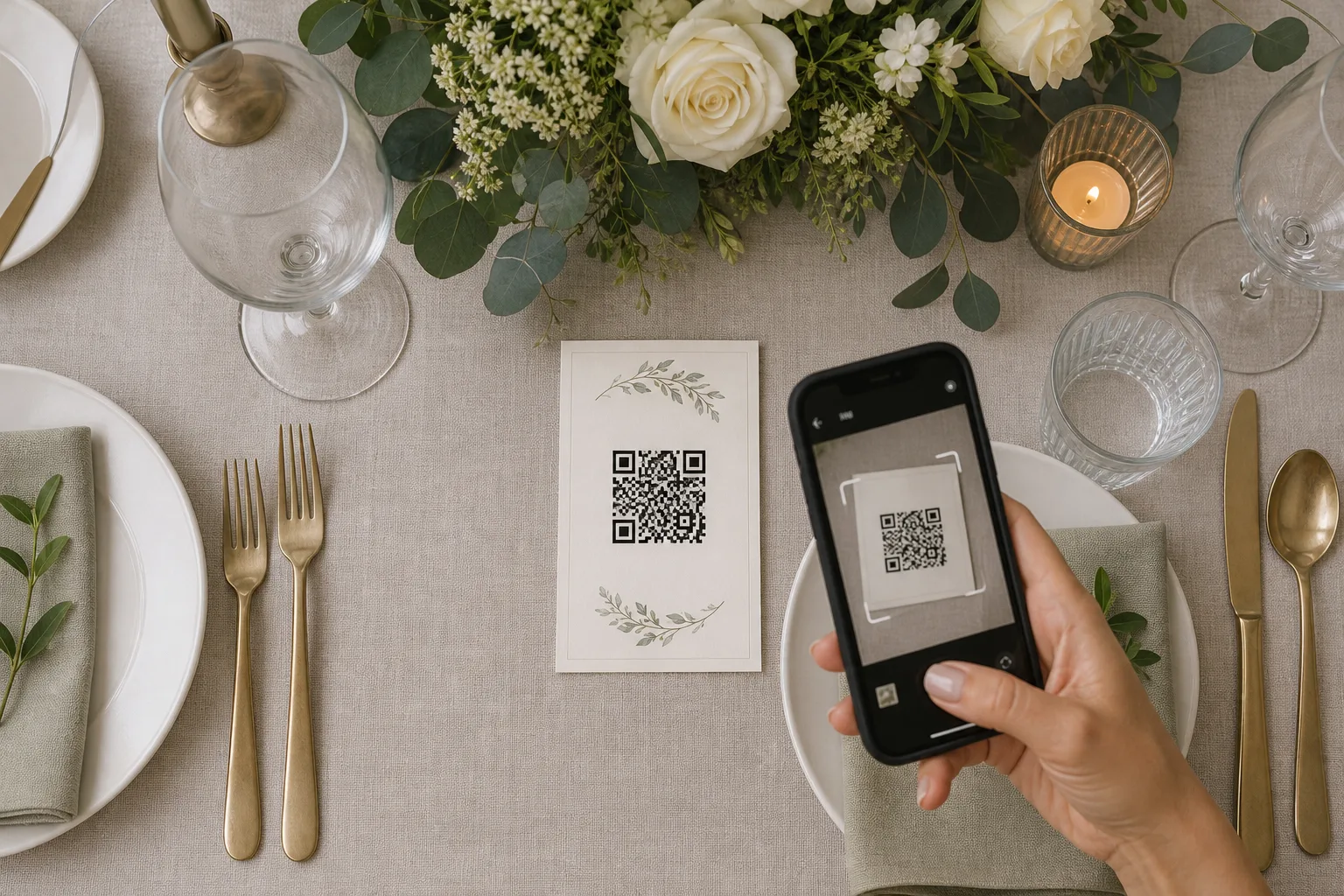
Collecting the pictures is the easy half. Two hundred people with phones will produce a few thousand frames without being asked twice. The harder half arrives eleven months later, when you want the originals on a drive you control and discover that the place they landed was built to hold them, not to hand them back.
That gap is not an accident, and understanding where it came from is the fastest way to judge any service you are about to point your guests at.
Why the download button was an afterthought for twenty years
Consumer photo hosting started as a printing business. The early web albums were storefronts: upload the roll, order the prints, and the storage was the loss leader that made the order possible. Handing you a bulk archive was not a feature anyone was going to build, because the archive was the thing being sold back to you one four-by-six at a time.
Then storage got cheap and the model flipped to subscriptions and attention. Storage was still not the product. Keeping you inside the album was. Nobody sat in a meeting and decided to trap your files, but nobody funded the export path either, so it stayed thin: one photo at a time, or a zip that timed out at four hundred megabytes.
What changed things was pressure from two directions. Regulators and platform rules pushed portability into the default feature set, and enough well-known services shut down loudly enough that buyers started asking the question up front. The Federal Trade Commission oversees how companies represent their data handling to consumers, and "you can download your photos anytime" is a representation like any other. The practical result is that export now exists nearly everywhere. The variation is in how good it is, and that variation is enormous.
Four ways a household actually collects the photos
Set aside what the professional photographer delivers. This is about the other several thousand frames, the ones your cousin took from the third row.
| Method | How guests contribute | Getting it all back out |
|---|---|---|
| Shared album in a phone ecosystem | Accept an invite, needs the matching account or app | Good if you are inside that ecosystem, worse if half your guests are not |
| Group message thread | Zero friction, everyone already has it | Poor. Images are compressed on send and extraction is manual |
| Event photo service with a scan-to-upload code | Scan, upload, no account | Usually a single bulk download; check the resolution and the window |
| Shared cloud folder | Requires a link, an app and some patience | Excellent, if guests actually use it |
The trade is visible in the table and it is the whole decision. The methods with the least friction at the door tend to have the most friction at the exit, because low friction usually means the service is doing something to the file on the way in.
The middle row is where most households land now. A card on each table carrying a qr code for wedding pictures takes about four seconds per guest and asks nobody to install anything or remember a password, which is why the format spread so quickly through venues and stationers. The question to carry into it is not whether guests will use it. They will. It is what the archive looks like on the way out.
The five questions that decide whether you can leave with your files
Ask these before the invitations go out, not after. Every one of them has a plain answer that a support email will give you in a day.
- Is there a bulk download, and does it include guest uploads? Some services let you export what you personally uploaded but not what the room contributed. That is the single most expensive surprise in this category.
- What resolution comes back? A service can display a two-thousand-pixel preview and store the original, or it can store the preview and discard the rest. Those two look identical on a phone screen and completely different printed at eleven by fourteen.
- Does the download link expire, and does the album? Free tiers commonly host for a set window. That is fine if you know the window. It is not fine if you find out about it from an automated email in month seven.
- What comes with the files? Capture date and time, and the contributor's name if they gave one, are what make a folder of four thousand images sortable later. Stripped filenames like IMG_0001 through IMG_3922 are technically your data and practically a pile.
- Who else can pull it down? If two people are organizing, both should be able to export. Accounts tied to one email address have a way of becoming unreachable.
Resolution and metadata are the two things that quietly degrade
Compression on upload is the older habit, and it has a real origin: mobile data was expensive and slow, and shrinking a twelve megapixel photo to a tenth of its size was the difference between an upload that finished and one that failed on a hotel connection. That constraint has largely gone. Some services still compress anyway, because it is cheaper and because almost nobody checks.
Metadata loss has a different origin. Location data embedded in photos is a genuine privacy problem, so stripping it became standard practice. Reasonable. But some implementations strip the timestamp along with the coordinates, and the timestamp is what lets you interleave four hundred guest photos with the professional set in the correct order. Ask specifically whether capture time survives the round trip.
Build the judgment with a twenty-minute rehearsal
You do not need to read a terms page to answer any of this. You need one evening, six weeks out.
- Set up the album or event exactly as you will on the day.
- Have three people on three different phones upload two photos each, including one person who is not in your usual ecosystem.
- Run the bulk export.
- Open the downloaded files on a computer. Check the pixel dimensions against the originals still on the phone. Check whether the capture date is intact.
- Try the export a second time from the other organizer's login.
Whatever comes back in that test is what you will get with four thousand files instead of six. If the numbers match, you have your answer and you can stop thinking about it. If they do not, you have found it at a point where switching costs nothing but an evening.
Then do the last step, which almost nobody does: within a week of the event, pull the archive down and put a copy somewhere that is not the service. The album can stay live for the guests as long as it likes. Your copy stops depending on anybody's business model.