Bad Home Wi-Fi Is Usually a Placement Problem Well Before It Is a Hardware Problem
The usual sequence runs backwards. Four of the six things that actually improve coverage in an ordinary house cost nothing at all and take an afternoon.
- Written by
- Ellen Marsh
- Published
- Filed under
- Tech
- Length
- 896 words, about 4 minutes
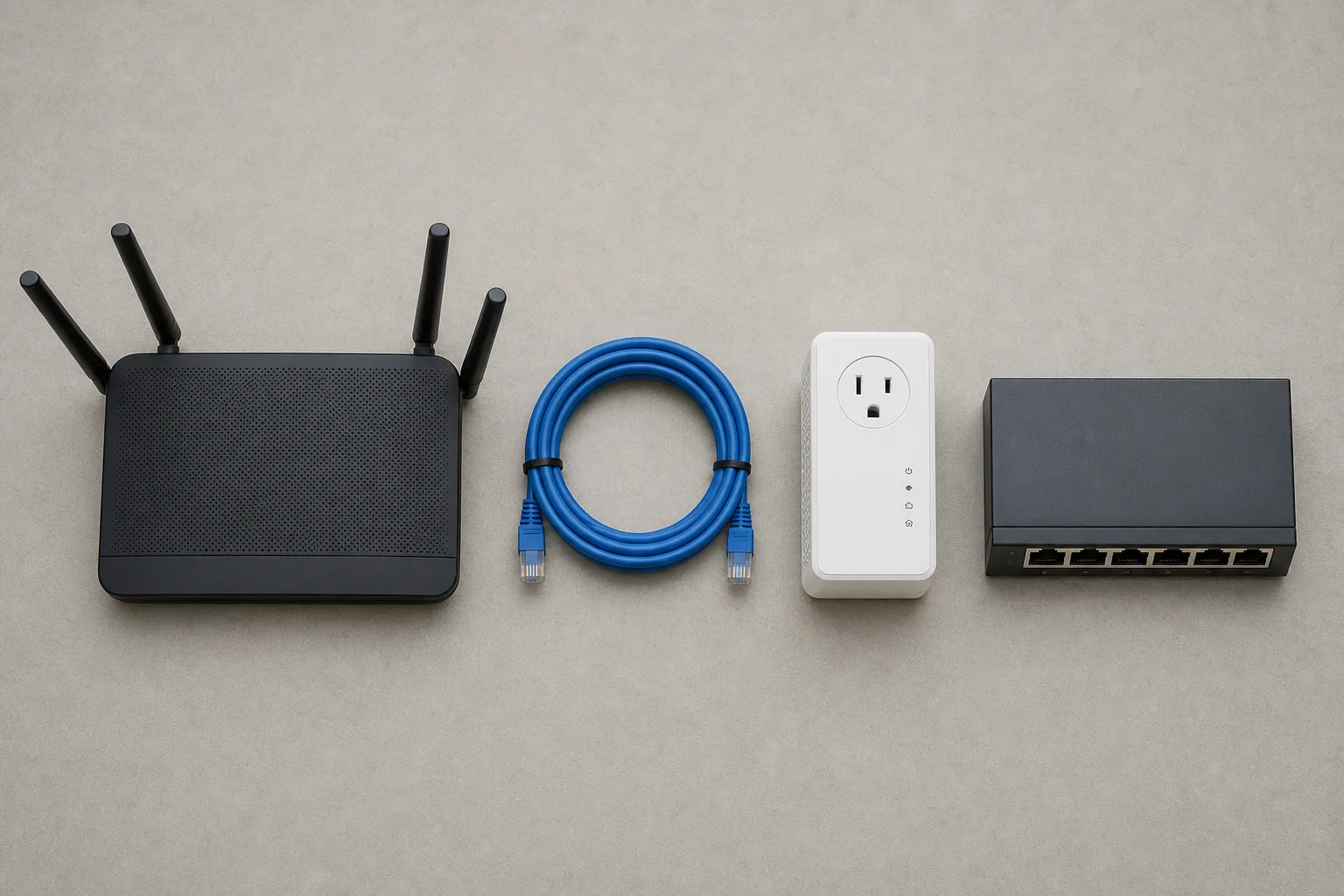
The sequence in most houses runs backwards. Coverage in the back bedroom is bad, so a second router gets ordered, and when it arrives it goes on the shelf beside the first one because that is where the cable comes in, and the network is now marginally worse than it was. Working up from the cheapest end instead is unglamorous and it resolves the problem in most houses before any money changes hands, because four of the six things that genuinely improve a home network are settings and furniture rather than hardware.
The Router Is Almost Certainly in the Worst Available Spot
Routers end up wherever the coaxial or fiber line enters the building, which is typically a basement corner or a closet behind a television, both close to the worst positions in the house. What helps is central in the floor plan rather than central in a room, up off the floor at waist height or above, out of the metal media cabinet and away from the water heater, since water and metal are the two things in an ordinary house that absorb the signal outright. Antennas want to stand vertical for a single-story layout, and one vertical with one horizontal covers two floors better than two of either. A longer cable run from the entry point to a better location costs less than anything else on this list and outperforms most of it.
The Two Bands, and Why the Faster One Reaches Less Far
Modern routers broadcast on more than one frequency band under a single network name and decide on your behalf which one each device uses, and that decision is frequently wrong for devices sitting at the edge of coverage, because the faster band is also the shorter-ranged one. There are two free approaches. Give each band its own name and then deliberately put the phone and the laptop on the fast one while the doorbell, the thermostat and the printer go on the long one. Or leave the names merged and move the router closer to whatever keeps dropping off. Splitting has a second benefit: older sensors and appliances often speak only on the longer-range band and refuse to join a merged network at all, which explains a surprising share of devices that never finish setup.
The Channel Your Router Picked at Boot and Never Revisited
In an apartment building or on a dense street, the interference is not the microwave, it is the neighbors. A router selects a channel automatically the moment it powers on and then, in most cases, never reconsiders it. Rebooting it forces a fresh decision, and the manufacturer's phone app will usually show channel occupancy so the choice can be made deliberately instead. On the longer-range band only three channels avoid overlapping each other altogether, so sharing one with the unit next door costs measurable throughput for no reason but inertia.
Wiring the Things That Never Move
The cheapest large upgrade available to a home network is a cable. A desktop, a television, a game console and a printer sit in one place for years, and every one of them taken off the air leaves more of the air for the devices that actually move around the house. The options run in a familiar order of cost and reliability. A run of ethernet along a baseboard or through a basement ceiling is the best and least convenient. Powerline adapters, which carry data over house wiring, depend entirely on the circuit and disappoint often enough that two adapters on different circuits should be treated as a gamble. Adapters that use existing television coaxial are frequently the quiet winner in an older house wired for cable in every room.
A Second Access Point, and When Mesh Is Genuinely Right
If two floors and a detached garage need coverage, no single box in the middle is going to deliver it, and the correct answer is a second access point in the far zone connected back to the router by cable. Wired backhaul is the whole difference between this and a repeater, because a repeater spends part of its capacity relaying rather than serving. Set both units to the same network name and let devices hand off between them, which is what commercial buildings have done for years and what a house can have for the price of one access point and one cable run. Mesh is the same idea with the cable removed, and it earns its price only where running one is genuinely impractical, since a node relaying over the air spends part of its capacity on the relay. Buy mesh for the layout rather than for the speed printed on the carton.
Telling a Network Problem From an Internet Problem
These two get confused constantly and the test takes about a minute. Plug a laptop directly into the router with a cable and run a speed test, and if the result matches the plan being paid for, the problem is inside the house and everything above applies in order. If it does not match, no amount of new hardware will help and the conversation belongs with the provider instead. Households that work the list from the top usually stop at the second or third item having spent nothing, and the ones that end up needing the last item generally knew from the wall construction that they would.